Using callbacks
After creating callbacks, you can link them in your route responses and delay their execution.
Link a callback to a route response
To link a callback to a route response, choose "Callbacks" in the route response menu:

Then, click on the "plus" button to add a new callback, and select the callback you want to link:
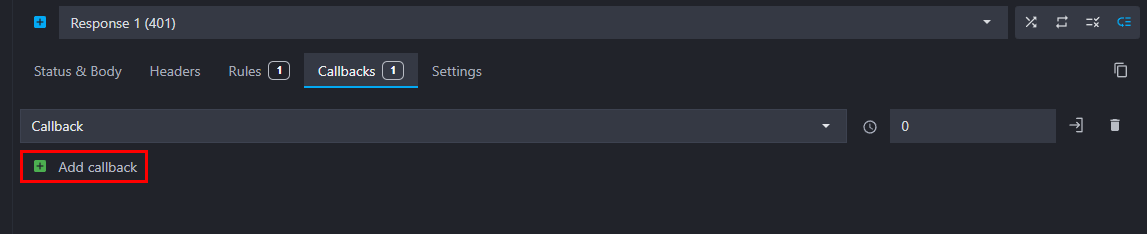
💡 You can delay a callback execution by adding a delay in milliseconds in the "Callback latency" field.
Infinite callbacks loop prevention
To prevent infinite loops when a callback calls a route that triggers the same callback (or a circular chain of callbacks), Mockoon send a special header X-Mockoon-Callback-Depth to limit the number of circular calls. The default maximum depth is 100 but can be changed when self-hosting using the CLI or Docker image with the --max-callback-depth option.