Audit trail
The audit trail records administrative, security, and workspace actions performed by users within your team. It provides visibility and accountability across team operations.
Events logged
The following events are logged in the audit trail:
- Authentication & users:
- Members invited, added, or removed
- Members disabled or re-enabled
- Mock deployments & environments:
- Mock instances started, restarted, or stopped
- Mock environments created or deleted
Access & viewing
The audit trail is accessible to the Owner role from the Audit section (/audit) in the administration portal.
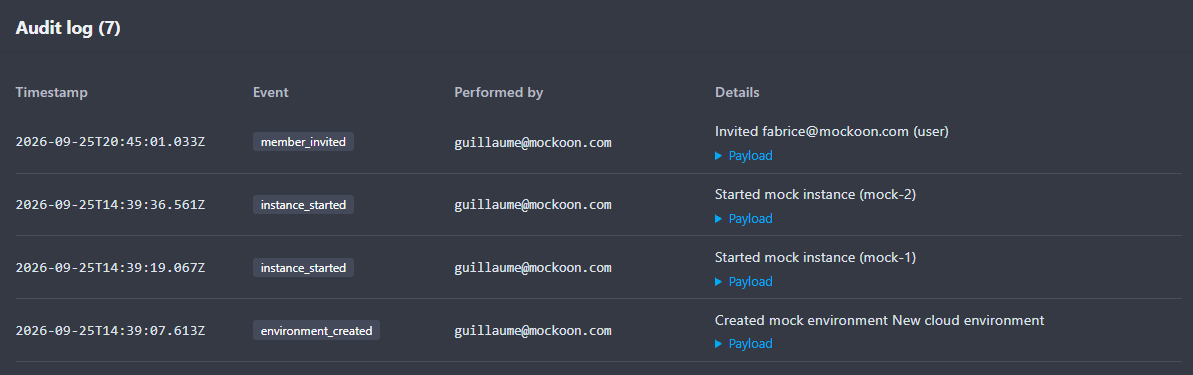
The interface displays a paginated log of events with the action description, actor (user email or system), event timestamp, and associated metadata.
Retention
In Mockoon Self-Hosted, audit events are stored locally in the persistent database on your storage volume (/data) and remain available without automatic external expiration.