Applications & access
Mockoon Self-Hosted includes an embedded web application and provides seamless integration with the Mockoon Desktop application, allowing your team to collaborate on mock APIs and deploy mock servers directly.
Web application
The web application is bundled inside the container and served at /app on your base domain (replace mockoon.company.com with your own domain):
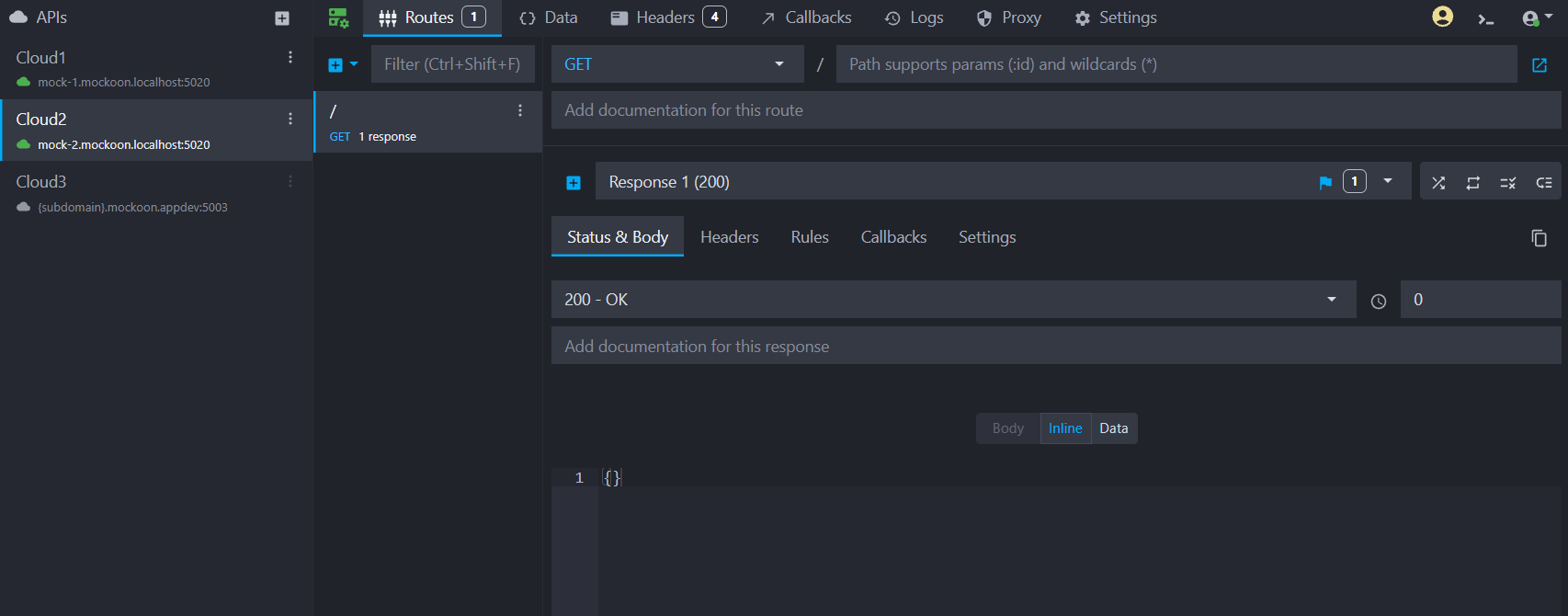
The web application lets your team create, inspect, and modify mock APIs directly in any browser with zero local installation.
You can launch and sign into the web application automatically by clicking "Launch web client" in the management dashboard navigation bar.
Copyhttps://mockoon.company.com/app
Desktop application
Team members can connect the Mockoon Desktop application (version 9.9.0 or later) to your private self-hosted instance:
- Open Mockoon Desktop.
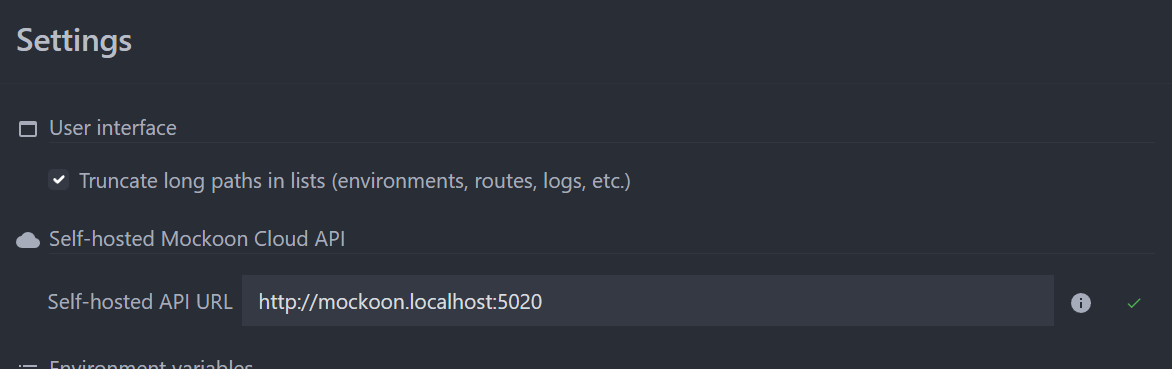
- Open the application settings by opening the Application menu and selecting Settings, or in the top right corner of the application window and clicking the avatar.
- Set the self-hosted instance URL to your instance (e.g.
https://mockoon.company.com, replacing it with your own domain). - Close the settings and click "Log in" in the top right avatar menu to authenticate via your browser and complete the connection.