Desktop application
Team members can connect the Mockoon Desktop application (version 9.9.0 or later) to your private self-hosted instance.
Connecting to an instance
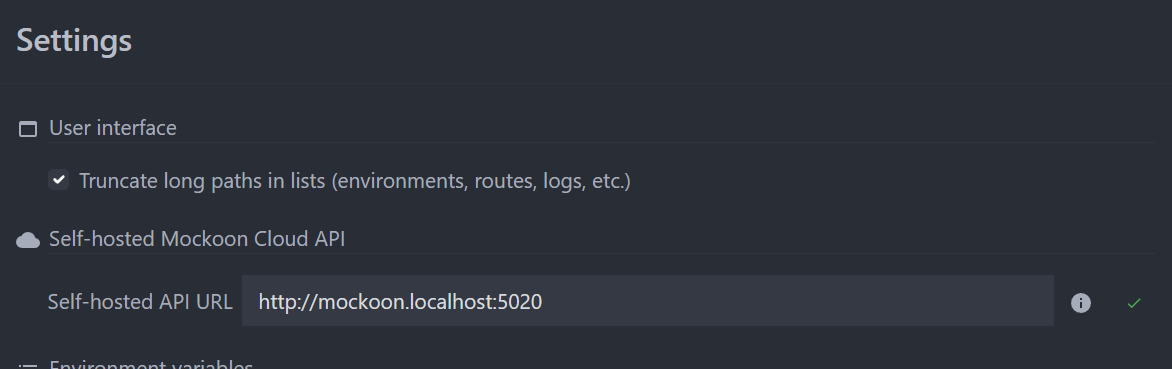
- Open Mockoon Desktop.
- Open the application settings by opening the Application menu and selecting Settings, or in the top right corner of the application window and clicking the avatar.
- Set the self-hosted instance URL to your instance (e.g.
https://mockoon.company.com, replacing it with your own domain). - Close the settings and click "Log in" in the top right avatar menu to authenticate via your browser and complete the connection.